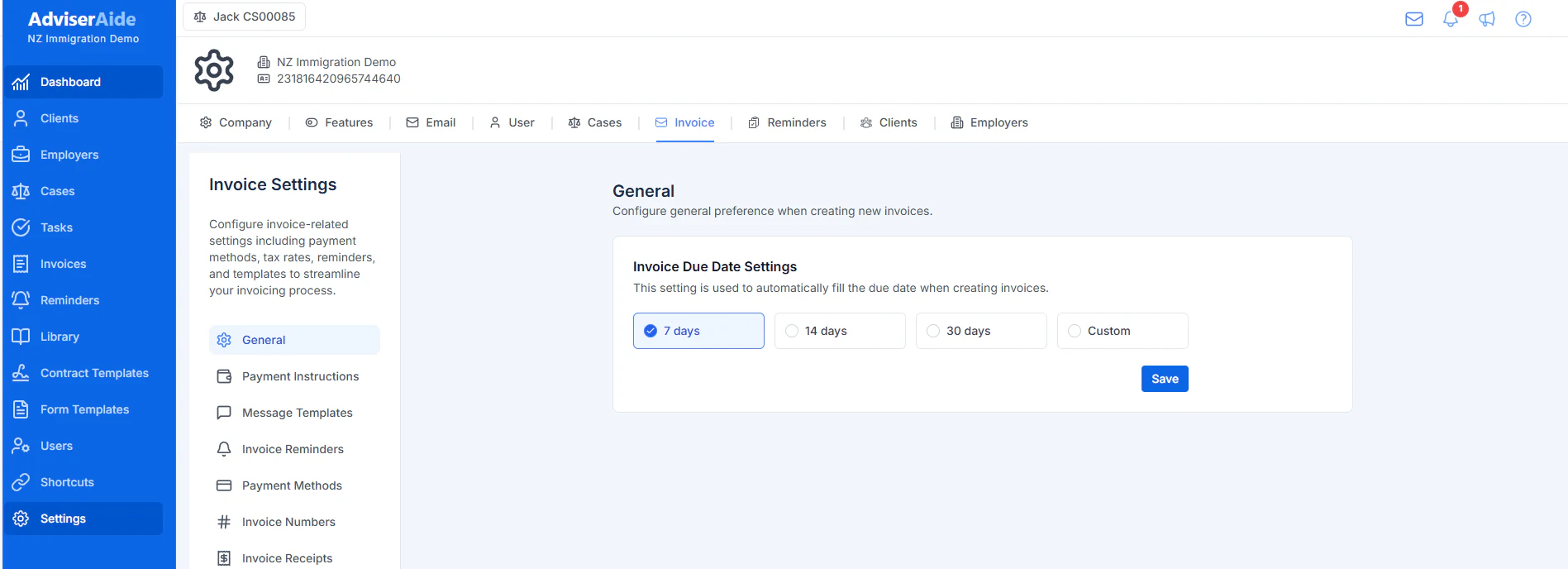
Administrators can choose how many days after the invoice date new invoices should be due.
1
Open the invoice settings
Open Settings, select Invoice, and then select General.
2
Choose the payment period
Choose 7 days, 14 days, 30 days, or Custom. A custom payment period can be between 1 and 60 days.
Set the default due date used when creating invoices
3
Save the setting
Select Save. AdviserAide uses this setting to calculate the due date when a new invoice is created.
The setting does not change existing invoices. When preparing a new invoice, you can still change its due date. If you change the invoice date before manually editing the due date, AdviserAide recalculates the due date using your saved payment period.