

What syncs at a glance
For a complete list of what moves in each direction, including what is not imported from Xero, see What syncs between AdviserAide and Xero.
Draft invoices never sync - nothing starts until you approve an invoice.
You stay in control
- Nothing reaches Xero until an invoice is sent. After you approve an invoice it waits for up to 30 minutes, so you can keep editing it - or void it and leave no trace in Xero at all.
- Nothing already synced is ever lost. Disconnecting, pausing or a connection problem never deletes anything in either system. Work you do while the connection is down is remembered and catches up when the connection returns.
- You always know what’s happening. Progress messages appear as things send, every invoice shows its own Xero status, and anything that needs you is listed in one place with a plain explanation of what to fix.
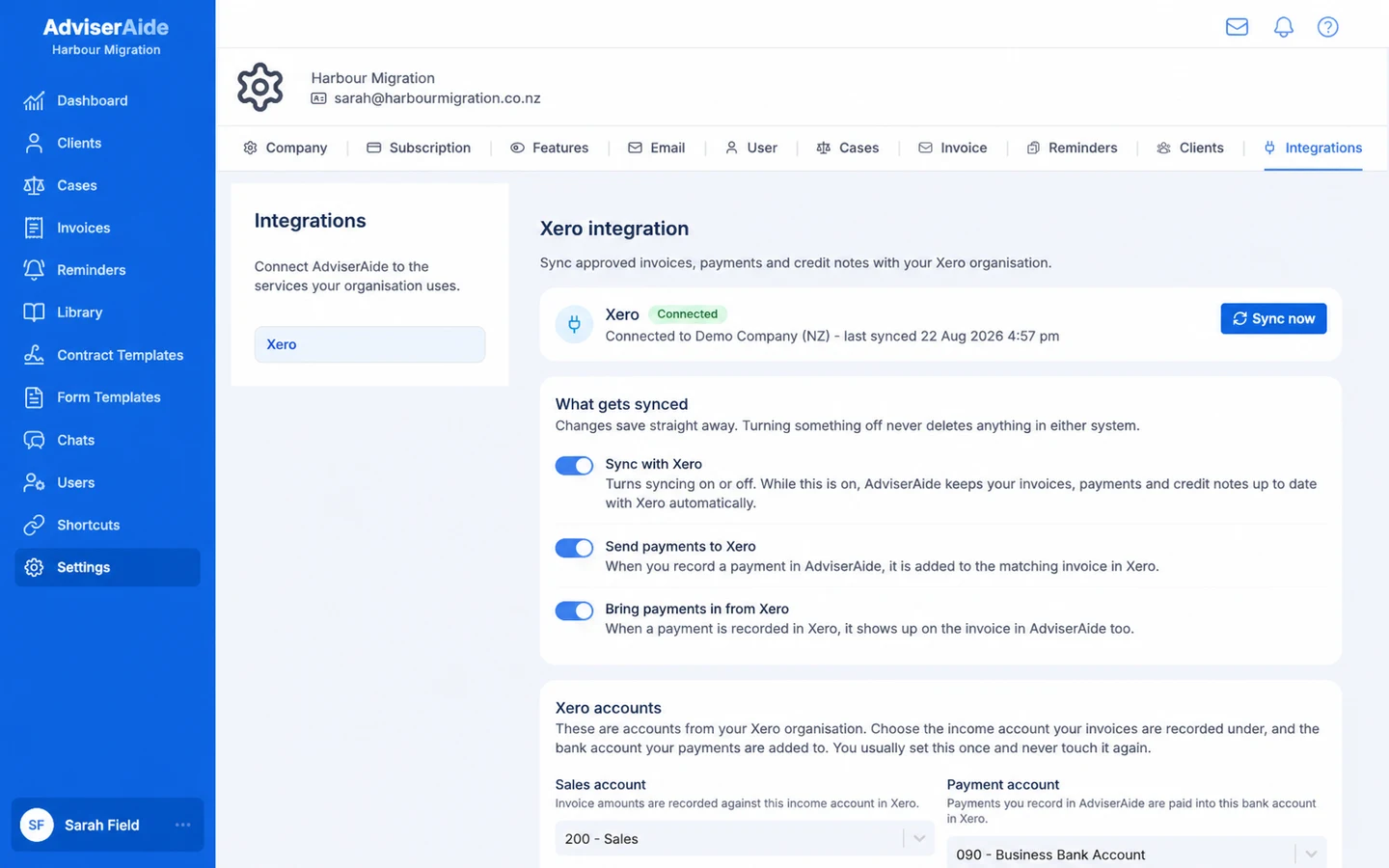
The Xero settings page shows the connection, your sync settings and anything that needs attention