How invoice payments sync between AdviserAide and Xero in both directions, including payments recorded in either system.
Payments flow both ways. Record a payment in AdviserAide and it is recorded against the invoice in Xero; record it in Xero and it appears on the invoice in AdviserAide. Either way, both systems show the same amount owing.This page covers the Xero side of payments. For recording payments and sending receipts in general, see Adding Payment and Sending Receipt.
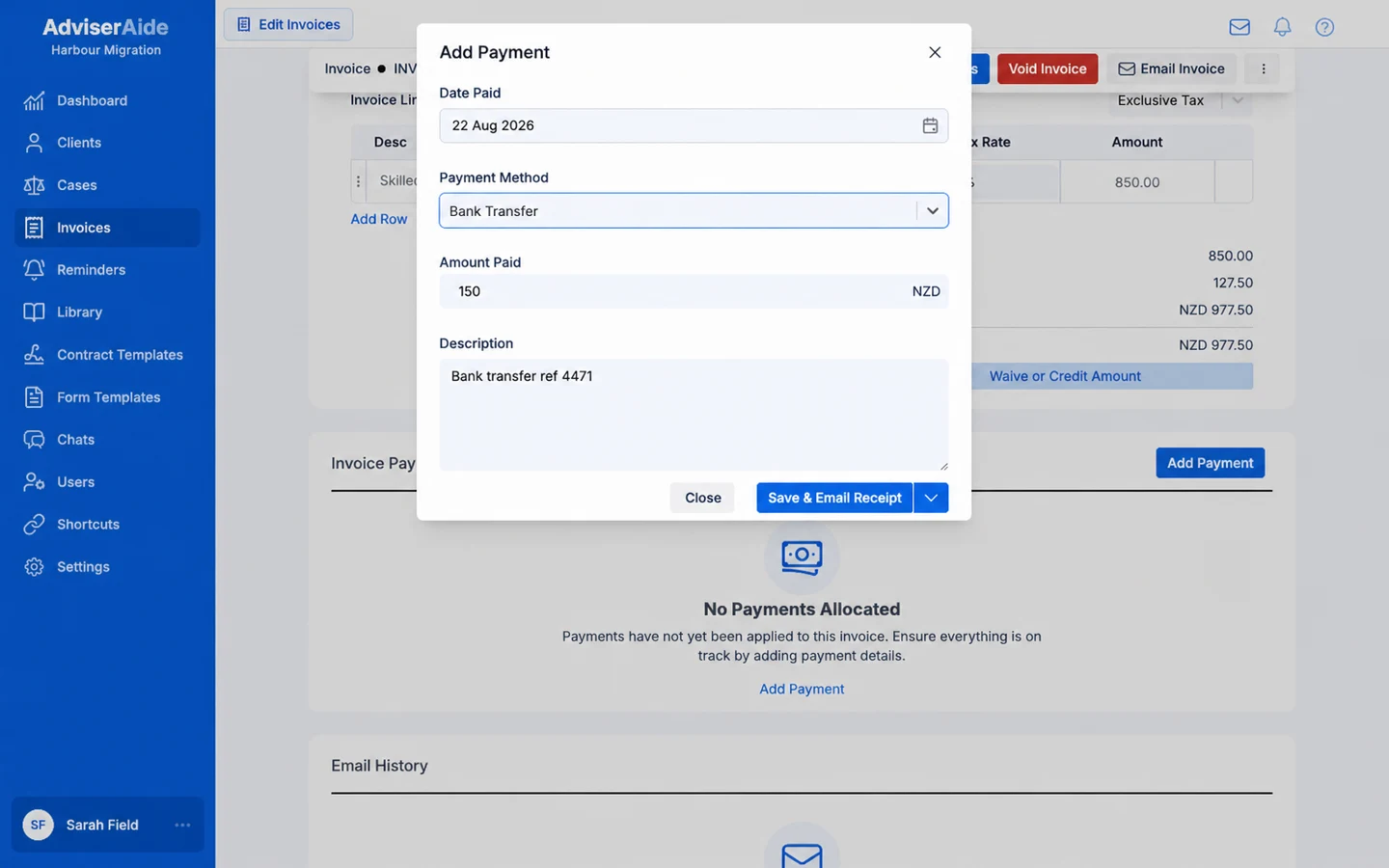
Select Add Payment on the invoice and fill in the payment as usual:
Record the payment as usual - AdviserAide handles the Xero side
As it saves, a progress message appears in the corner - Sending payment to Xero… - and changes to Xero has been updated when the payment has been recorded there. You can keep working while it finishes.
A payment waits quietly if its invoice has not been sent to Xero yet. It syncs automatically the moment the invoice does - see Sending invoices.
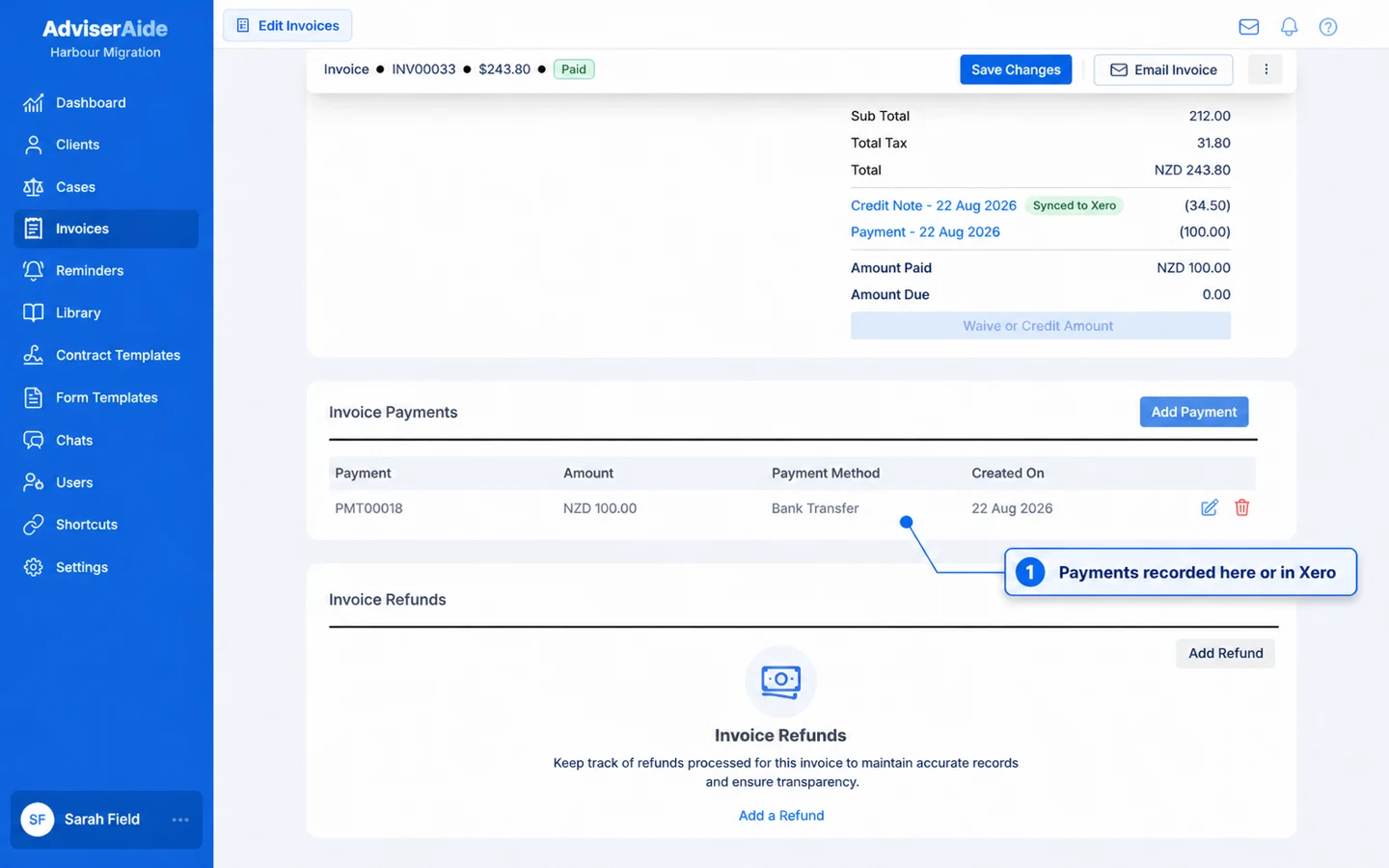
When your client’s payment is recorded in Xero - for example when a bank feed payment is reconciled - it appears on the invoice in AdviserAide automatically, usually within moments. The payment shows Xero as its source, and the invoice’s paid and owing amounts update in both systems.
Payments on the invoice, whether recorded here or in Xero
Deleting a payment in AdviserAide also removes it from Xero, so the two stay matched. The corner message shows Removing payment from Xero… while it happens. This works for payments that came from Xero too - deleting one here removes it there.The same is true in reverse: if a payment is deleted in Xero, AdviserAide removes its copy from the invoice automatically and records what happened in the invoice’s Sync History.
A payment that Xero created as part of a batch payment cannot be deleted from AdviserAide, because Xero does not allow a single payment to be removed from a batch. Remove it in Xero and the invoice updates here on the next sync.
Once a payment has been synced to Xero, its date can no longer be edited. Delete the payment and record it again with the correct date - both systems update accordingly.